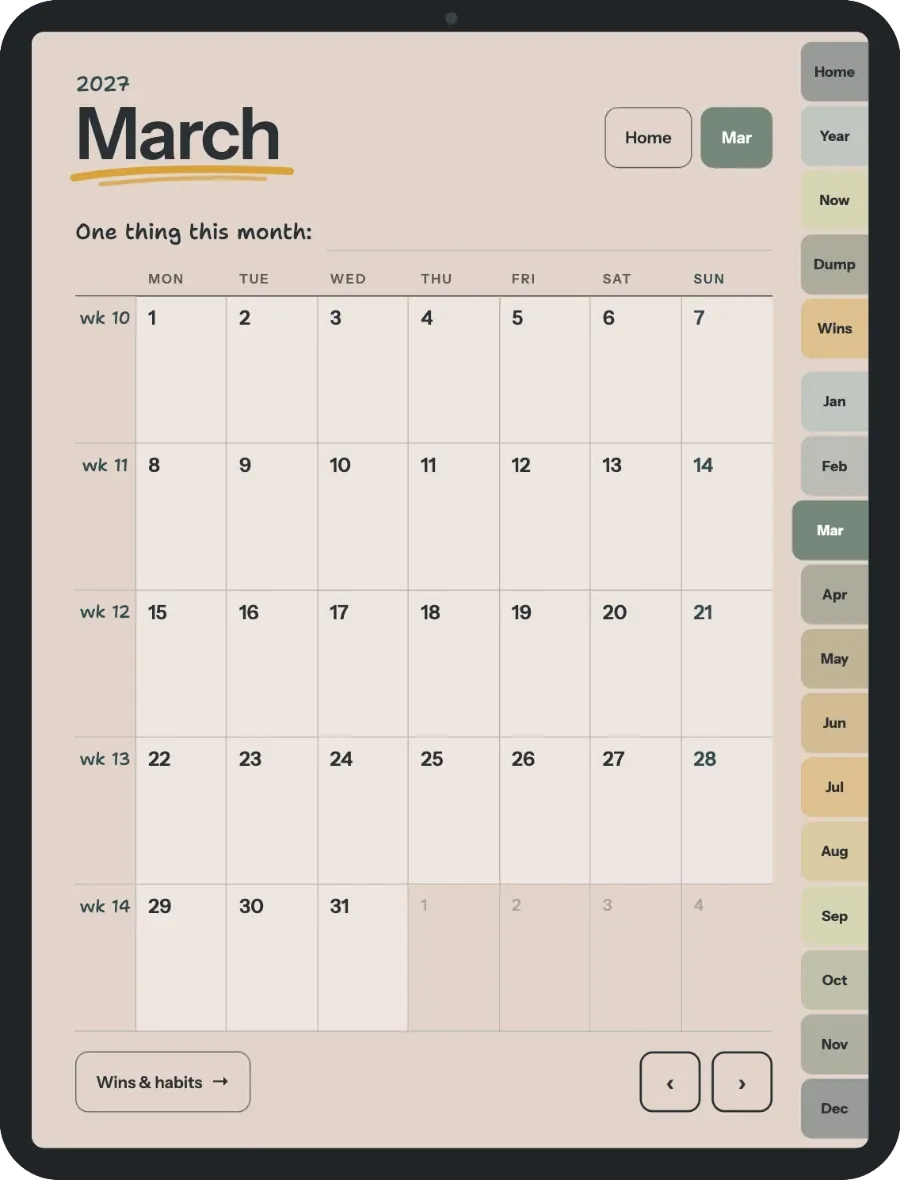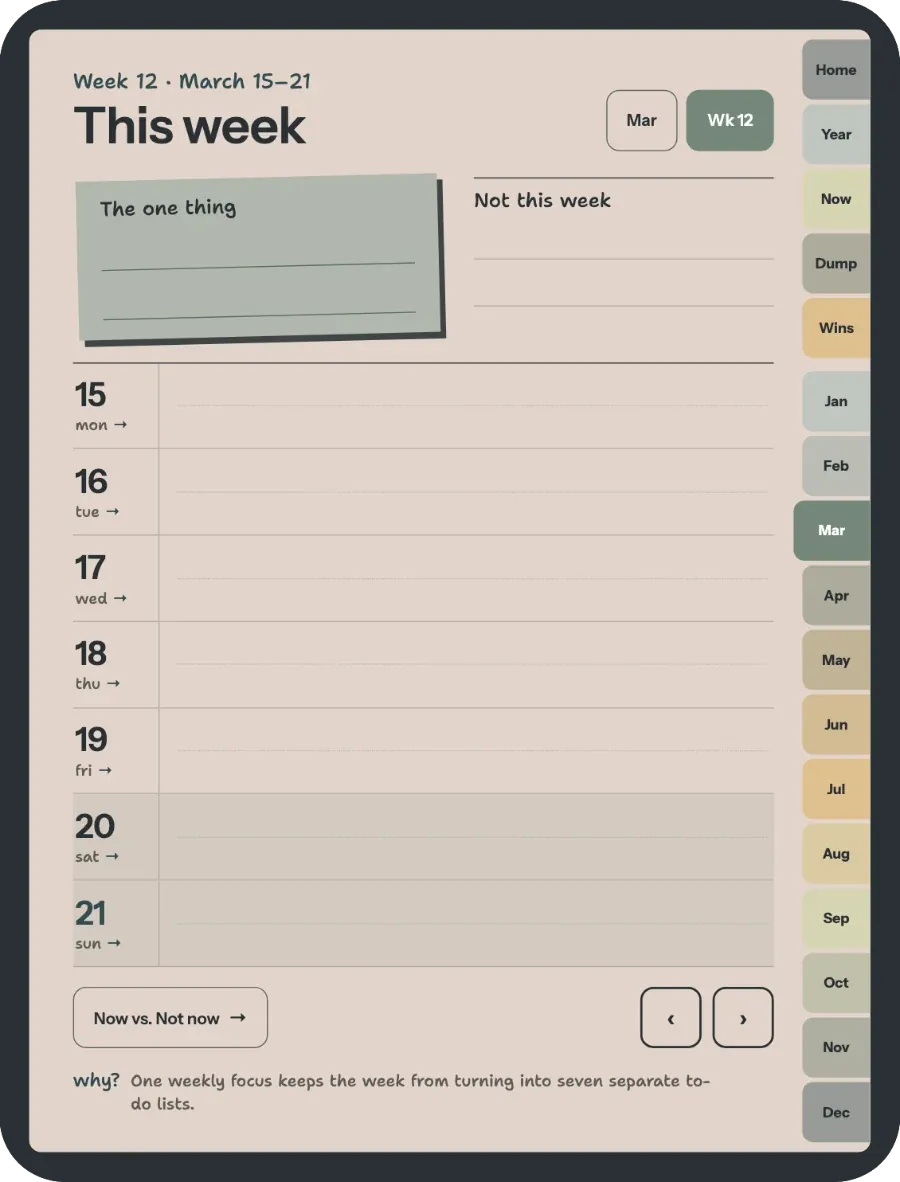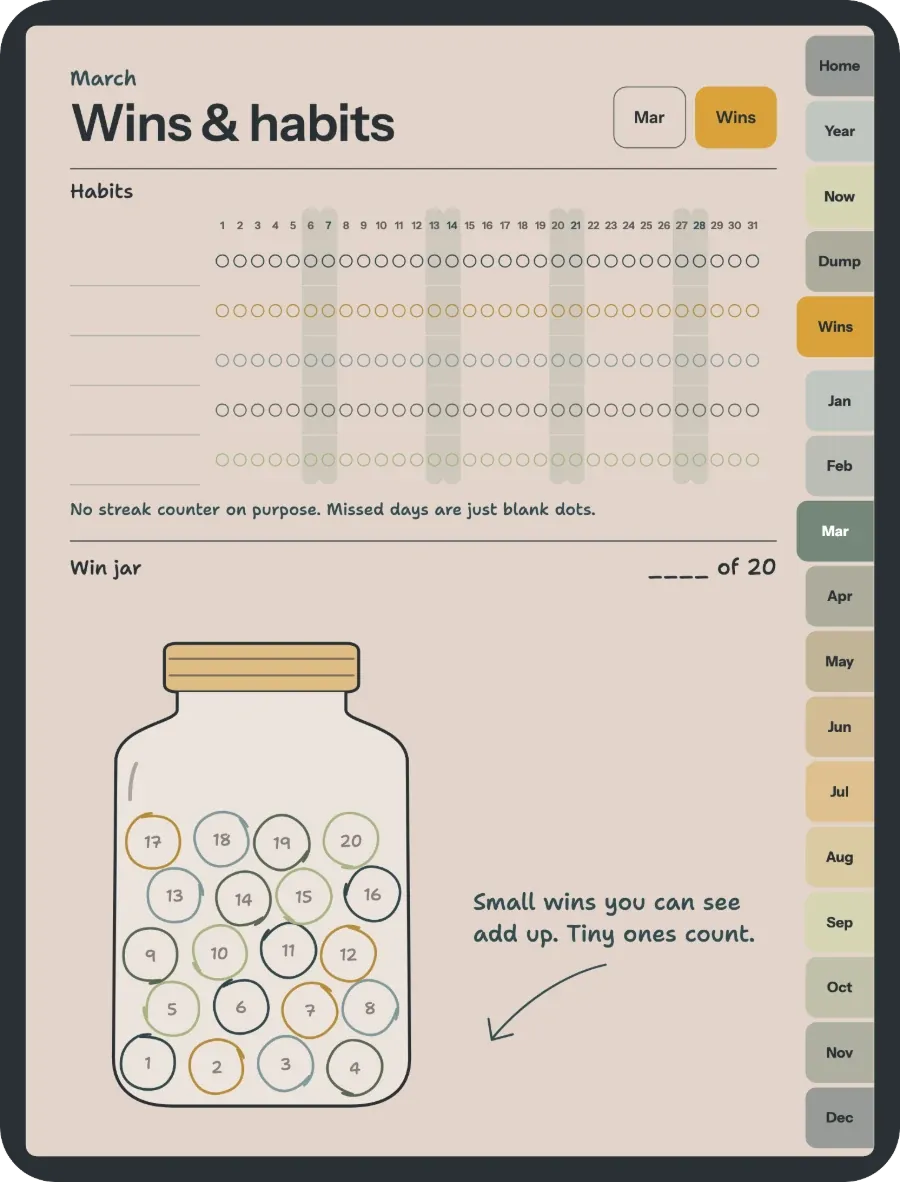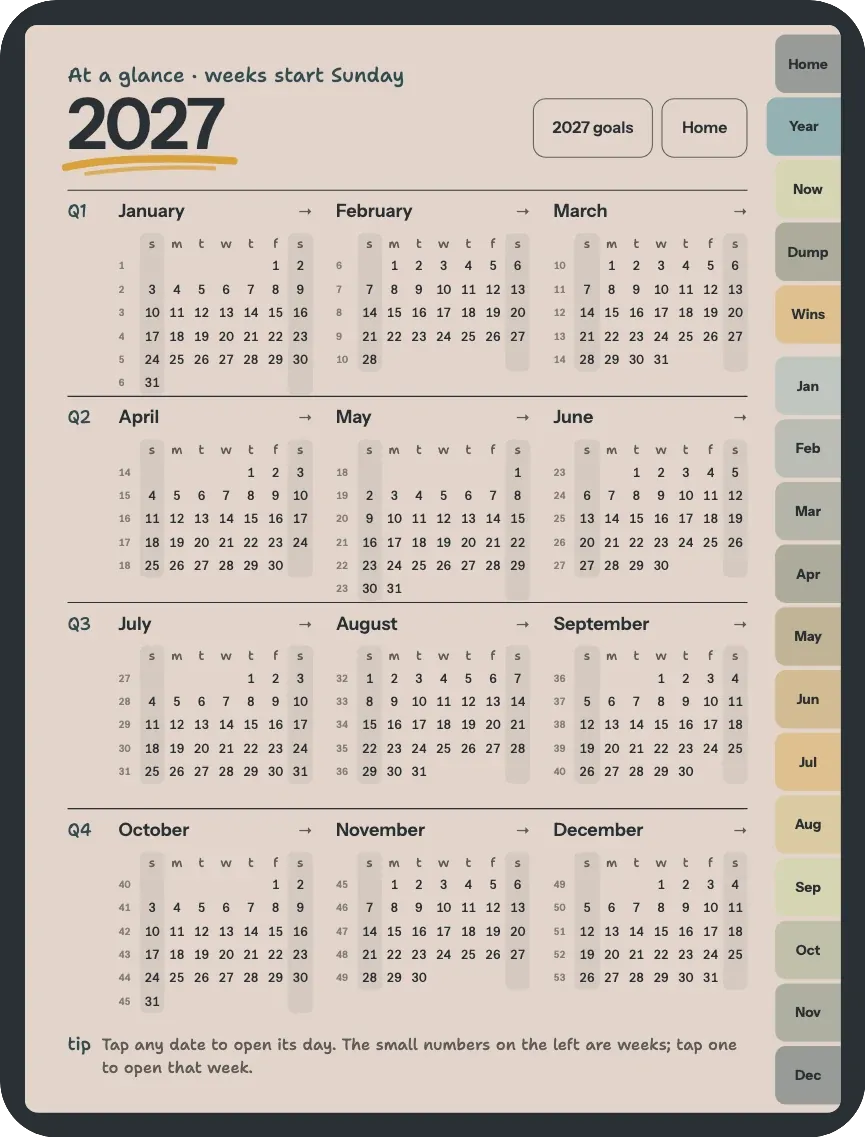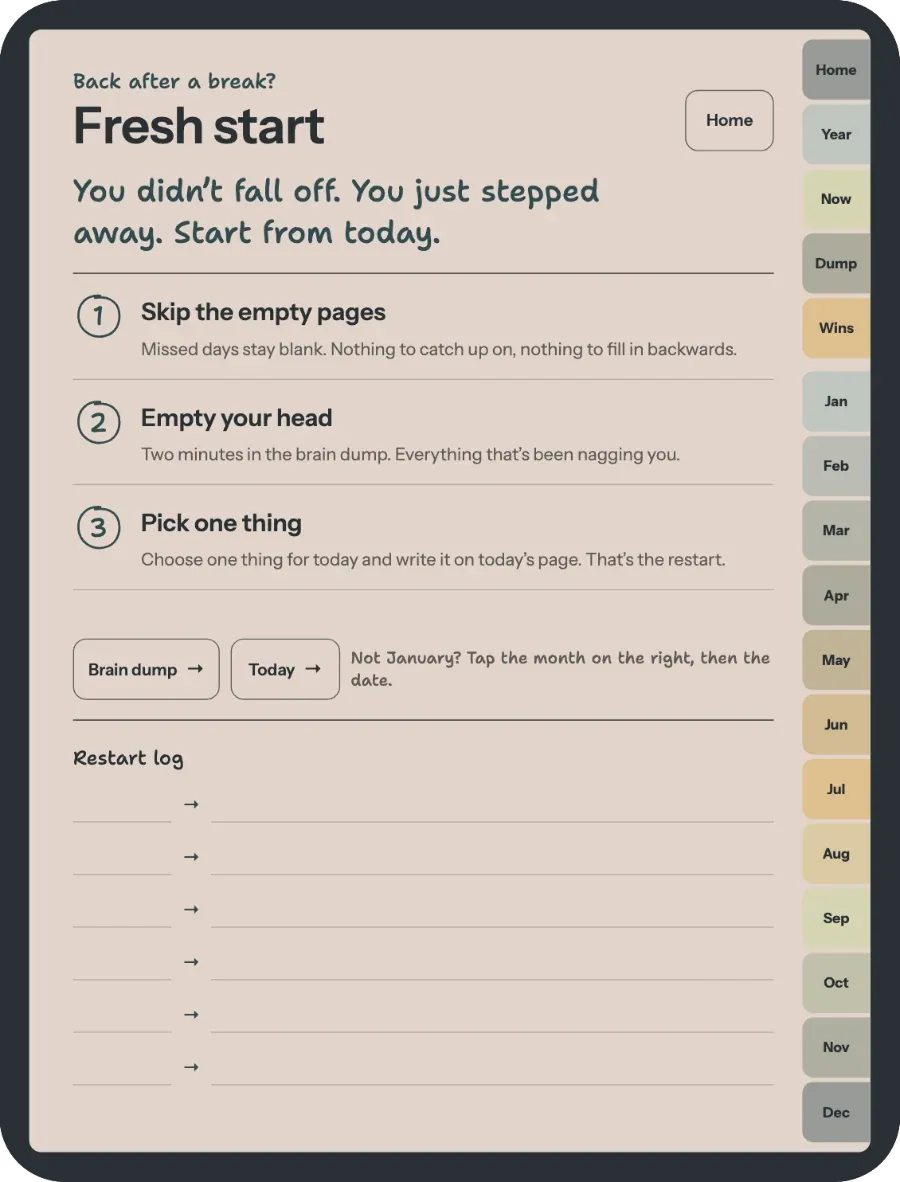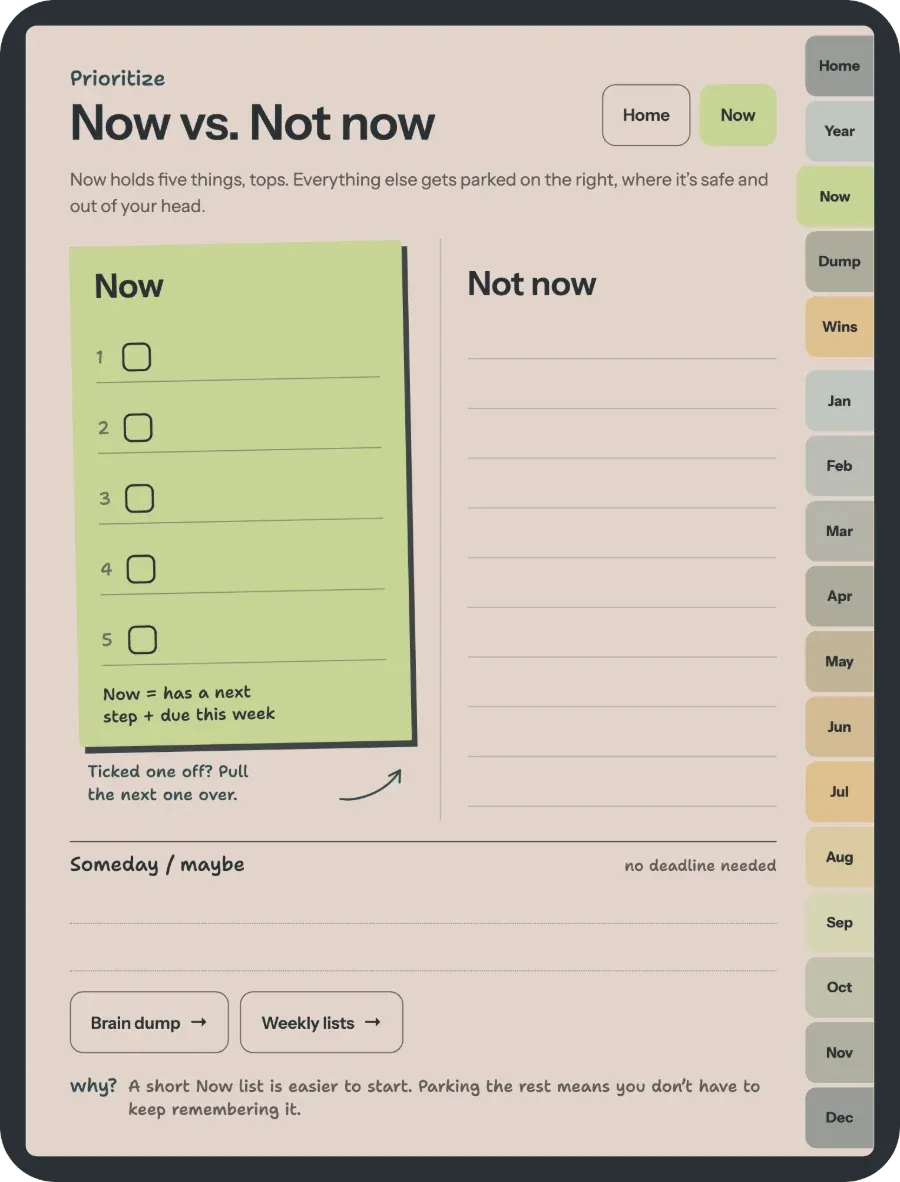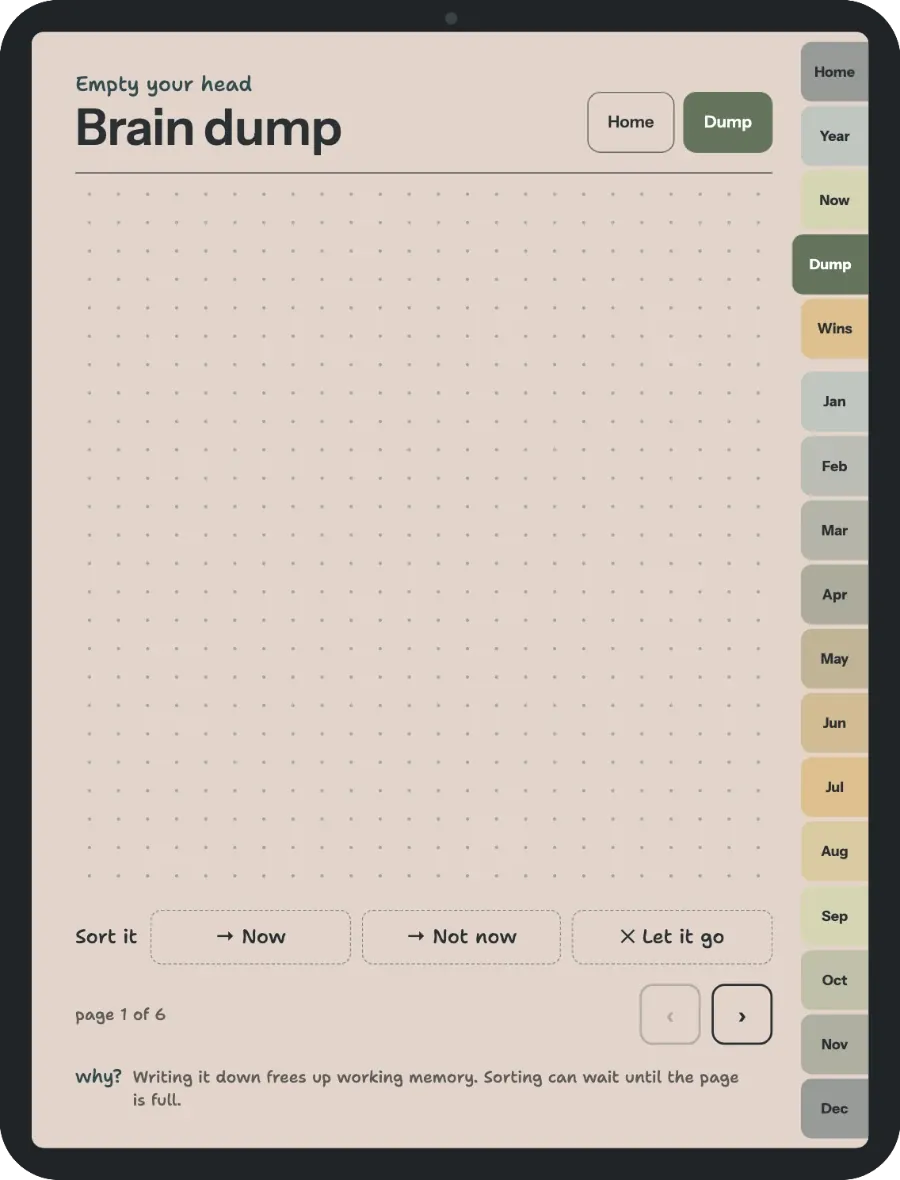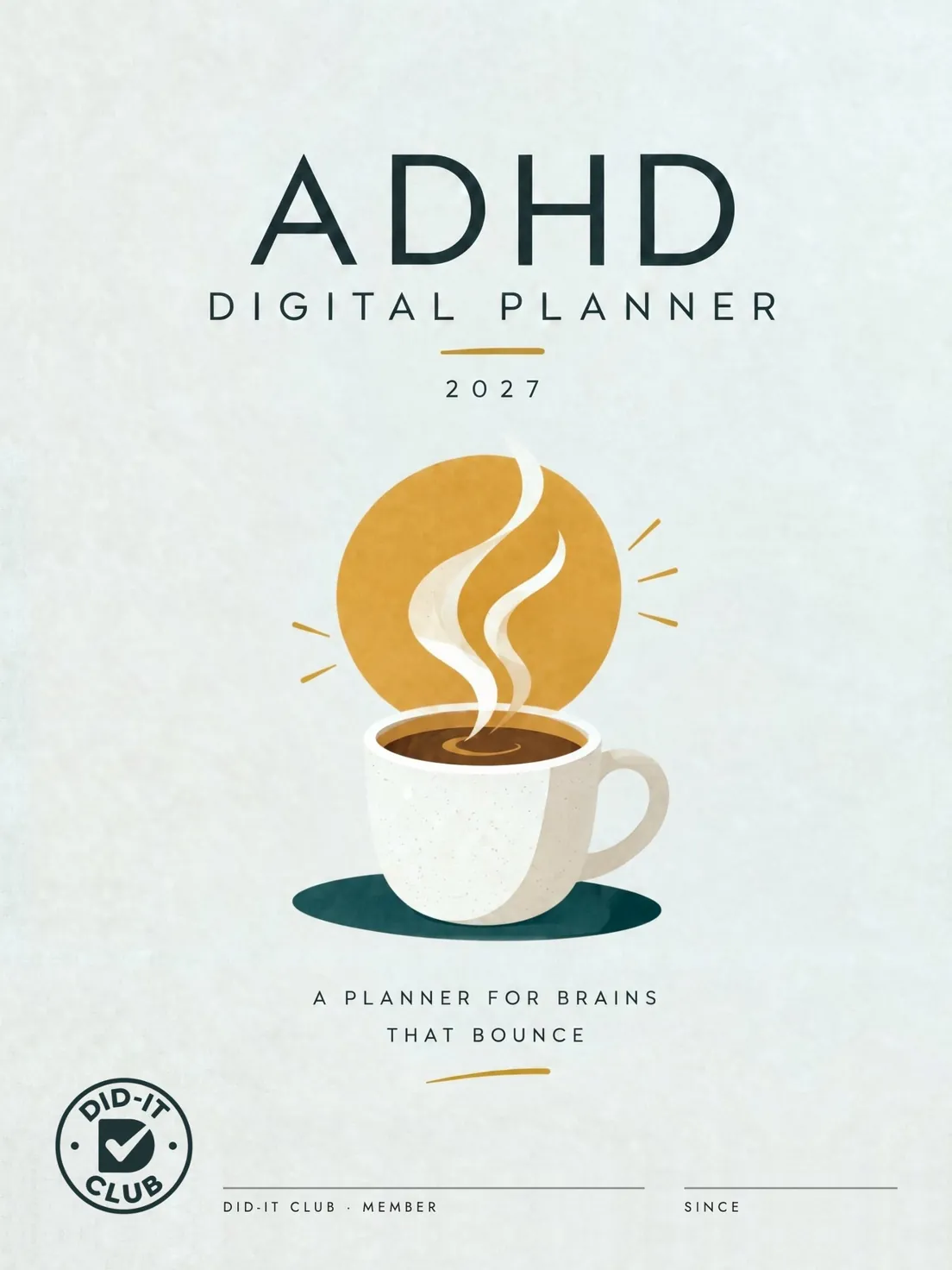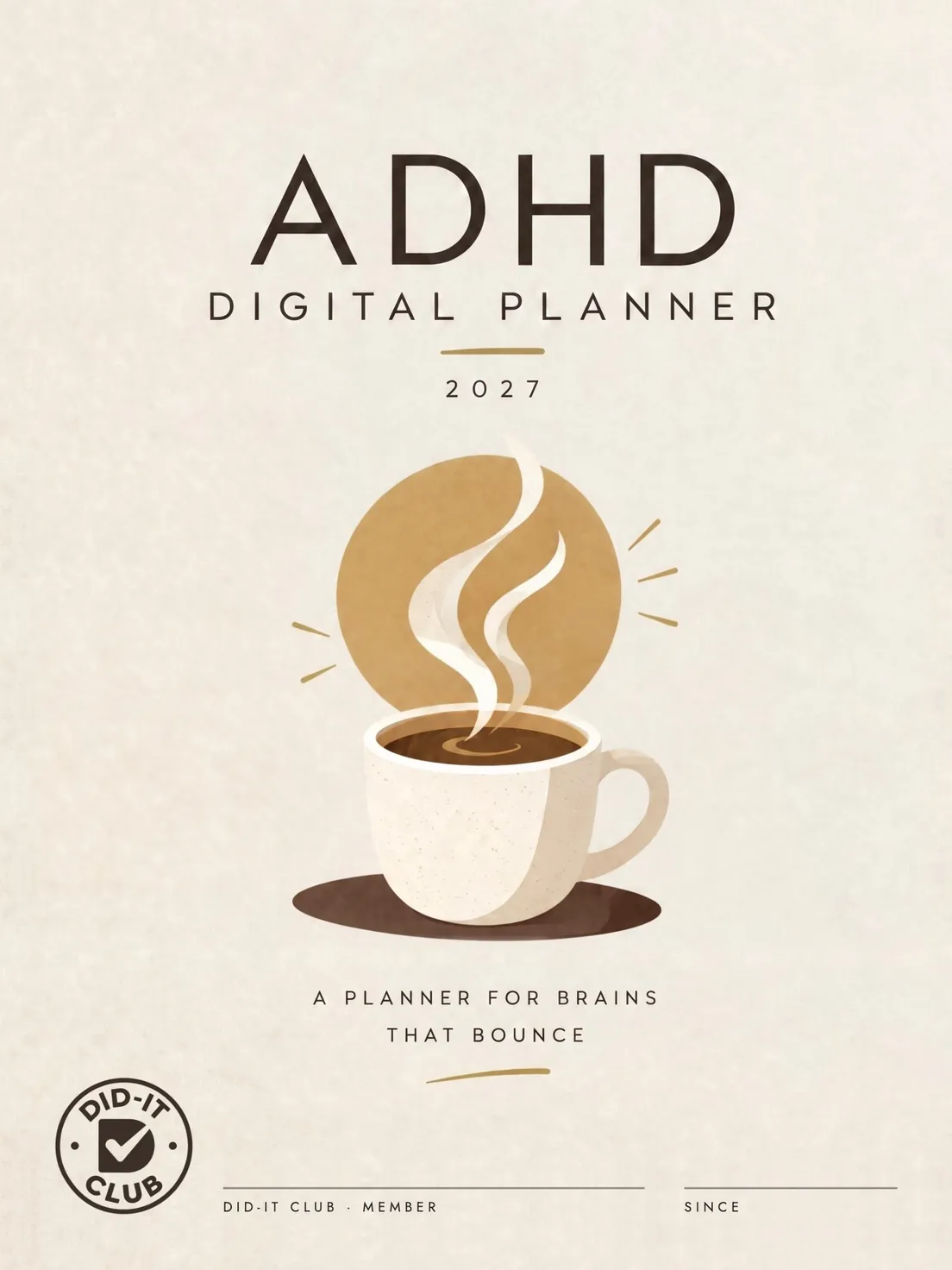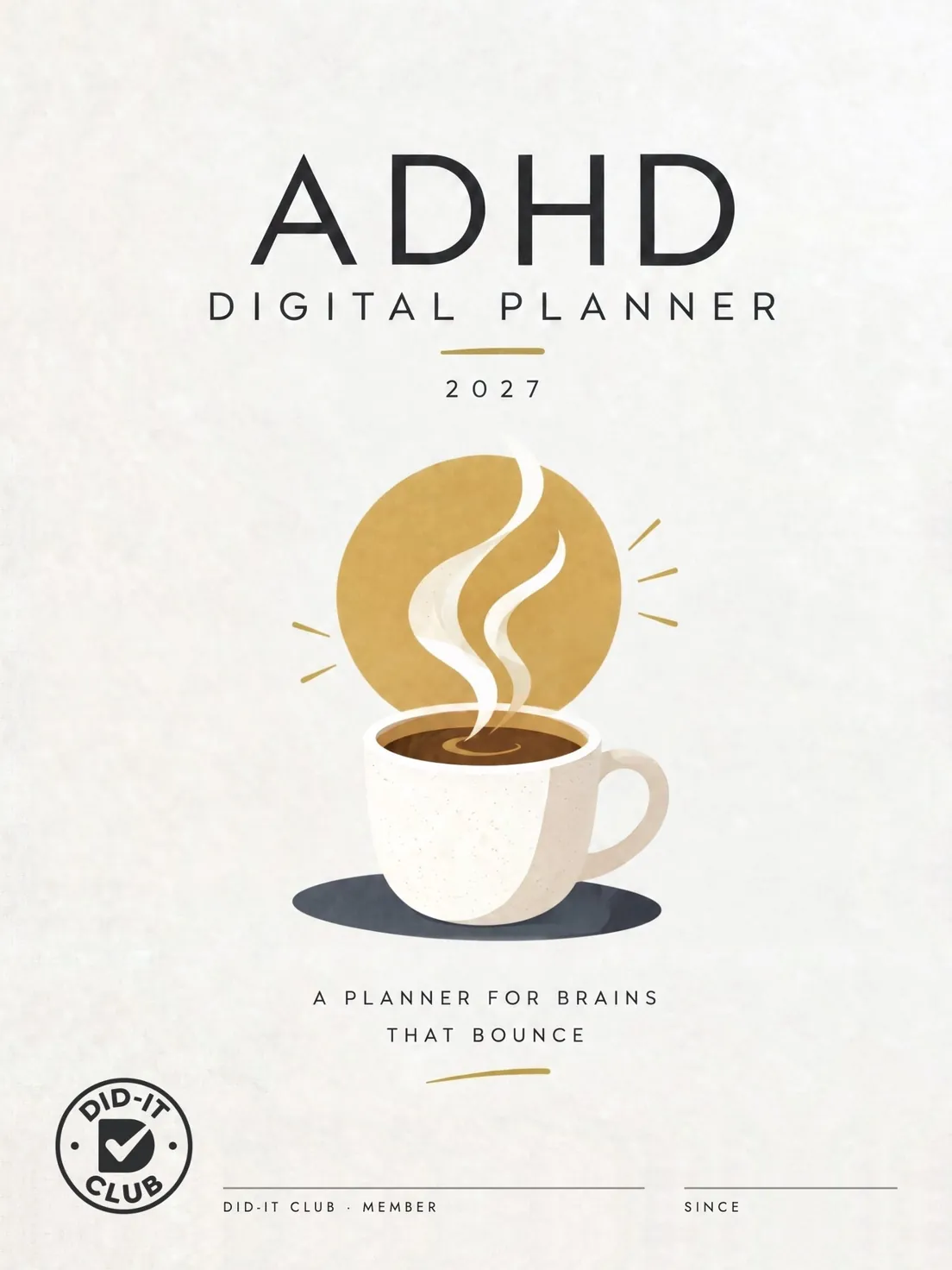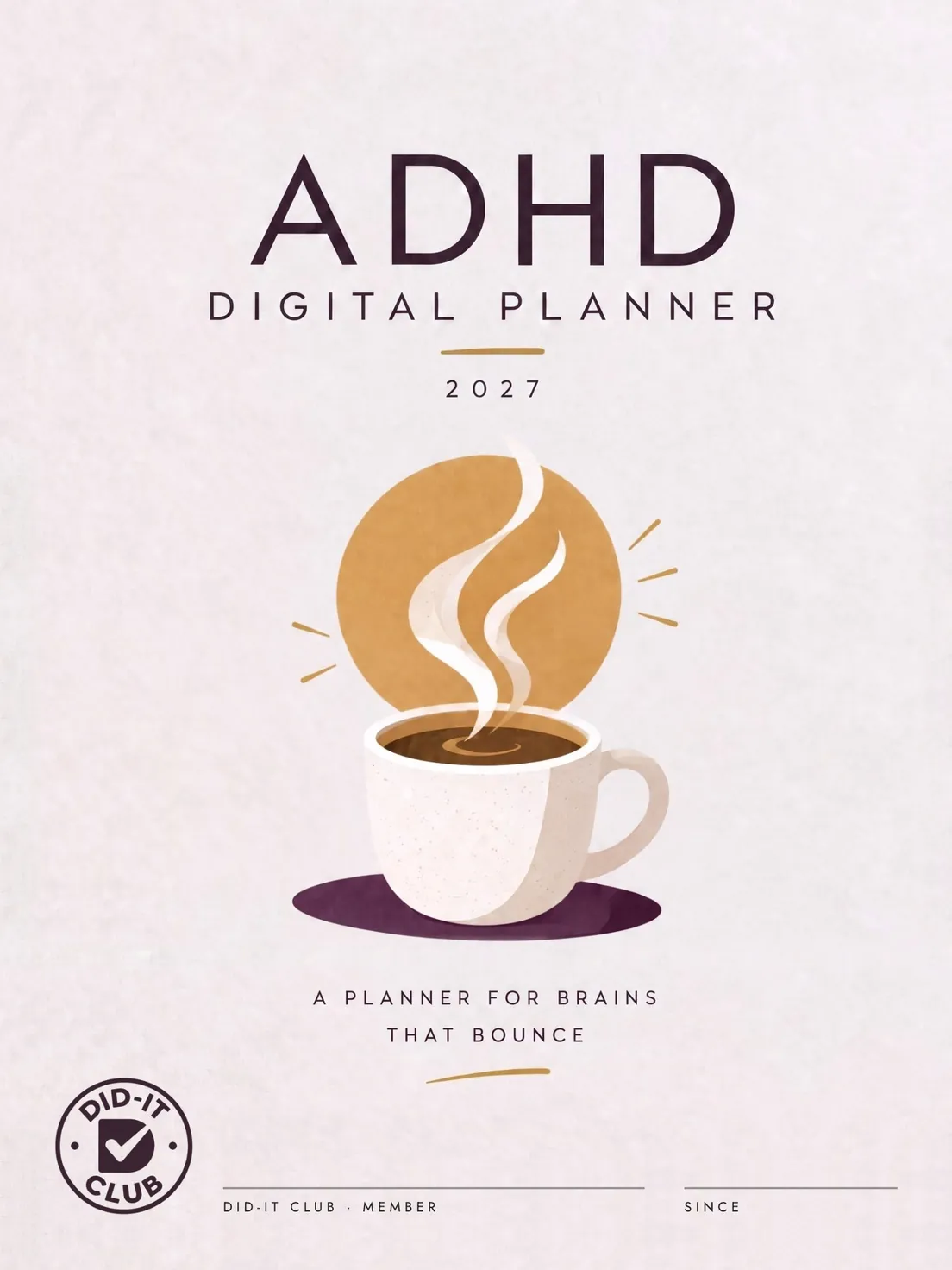
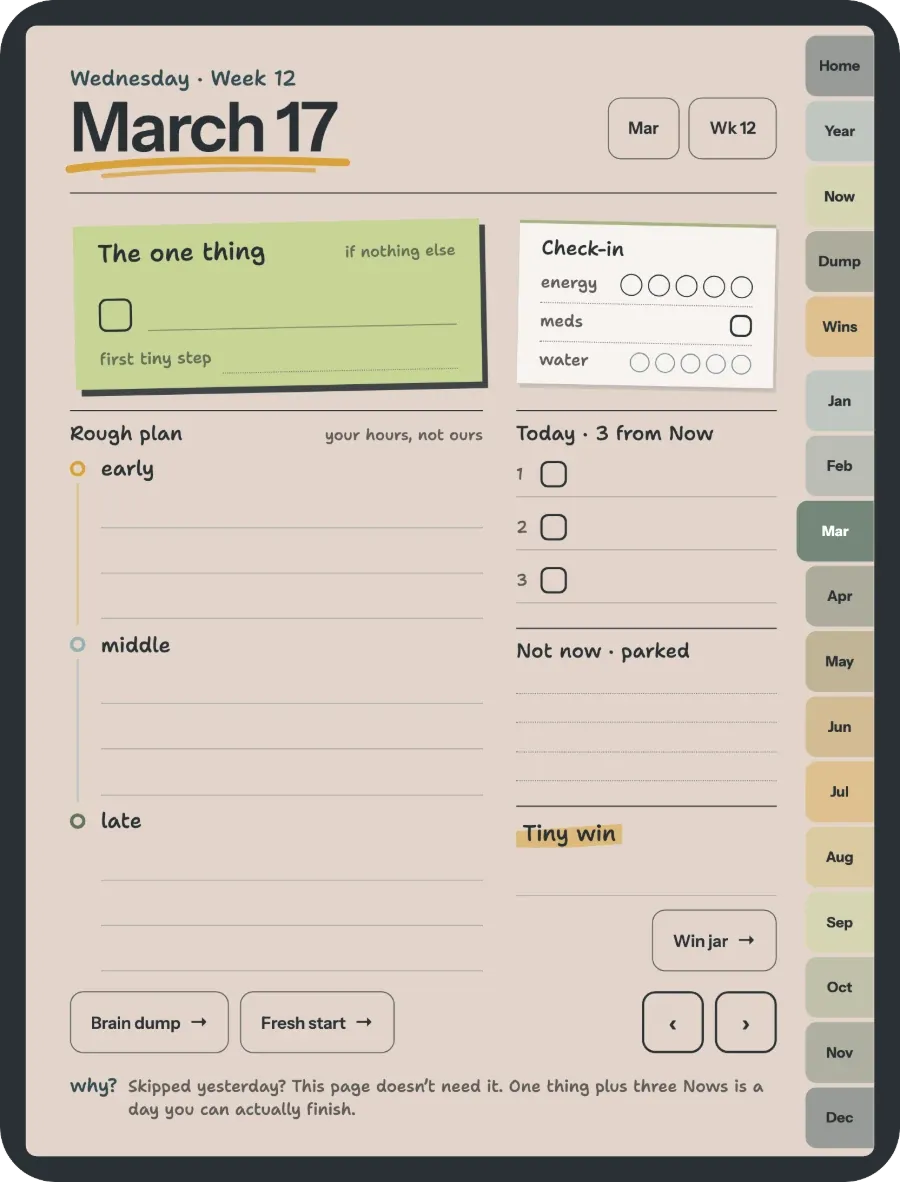
Two taps to any page
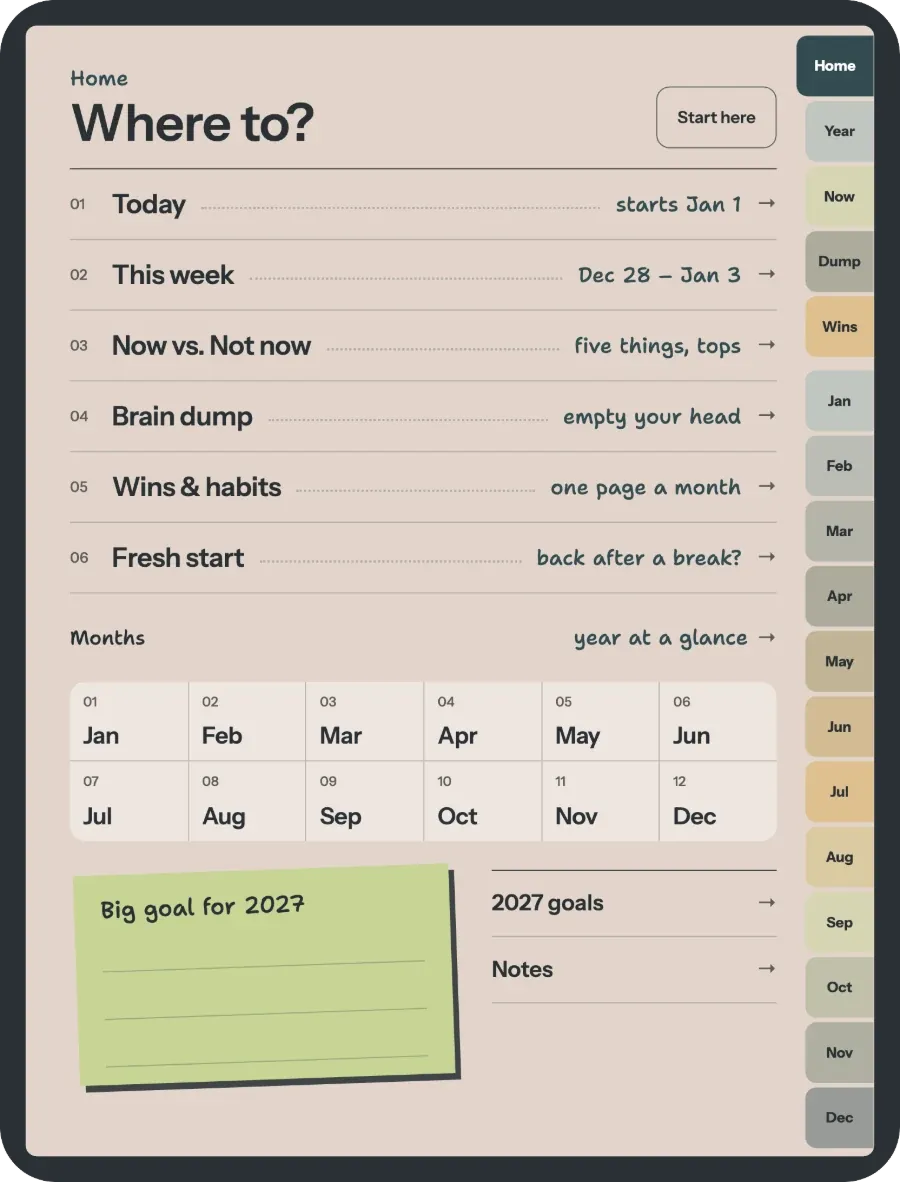
Tabs run down the right side of every page: Home, Year, Now, Dump, Wins and all 12 months. No more scrolling back to the start.
- Tap any date in the year view to open that day.
- Arrows step to the next or previous page.
Did-It ClubIt’s just a PDF. Open it in the note app you already have: GoodNotes or Notability on iPad.
Unzip the version you want, then import the PDF into GoodNotes or Notability.
Links respond to a finger in view/read mode, not while a pen tool is active. In GoodNotes, turn on read-only mode. If a link still jumps to the wrong page, re-import the original file rather than a duplicate.

Open it in the note app you already have. Works on iPad and Android tablets.
One open at a time, so nothing gets lost.
One purchase includes the 2027 and the undated planner, for iPad and Android tablets.